Super Resolution: AI upscaling, built for the Mac
The models behind our mobile upscaler, in a native Mac app — with a model for every kind of image and processing on your own machine.

Many of the images people want to enlarge live on their computers: artwork, design assets, scans, screenshots and photo libraries. So we brought our upscaling to the Mac.
Super Resolution is a native macOS app from the team behind AI Upscale.
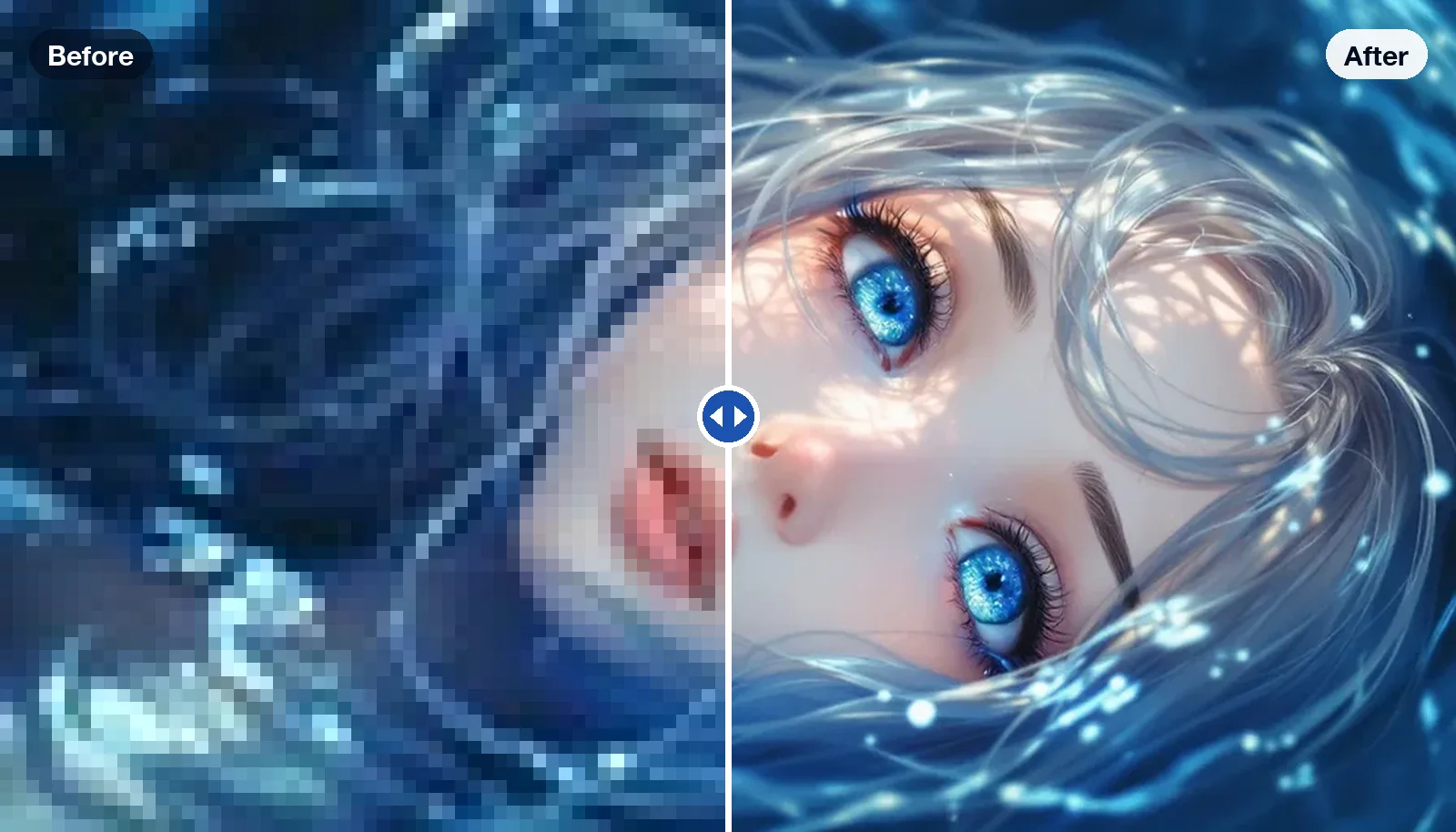
A model for every kind of image
Different images need different models. Super Resolution includes dedicated upscalers for:
- Photo — real-world photographs
- Portrait — human faces
- Anime — anime and cartoon images
- Art — digital art and paintings
- Sketch — drawings and line art
- Text — documents and screenshots
Choose a 2× or 4× scale and Low or High quality, then press Upscale.
Processed on your Mac
The upscaling models run on your Mac itself. Large images are processed in tiles, so even big files can be enlarged, and you can queue several images to process one after another.
Super Resolution is available on the Mac App Store. See Super Resolution.
More from the blog
All posts
AI connected like neurons
Why we build small, focused AI apps that share the same models underneath.
Read post
How AI upscaling works — and when it doesn't
What actually happens when an app turns a tiny photo into a large, sharp one, and how to get the best results from it.
Read post
Blur before you share
A practical guide to protecting faces, licence plates and documents in the photos and videos you post online.
Read postQuestions or ideas about this post?
Write to us — every message is read by a person on our team.